What happened
On 2026-10-30 at approximately 13:24 UTC (8:24 AM CDT), the OpenCPI group on gitlab.com was accidentally archived. It was unarchived within 2 minutes. No code, repository, issue, or CI configuration was lost at any point, and no merge request content was deleted. Open merge requests sourced from forks were closed as a side effect of the archive; see Impact below. All projects are fully operational.
Impact
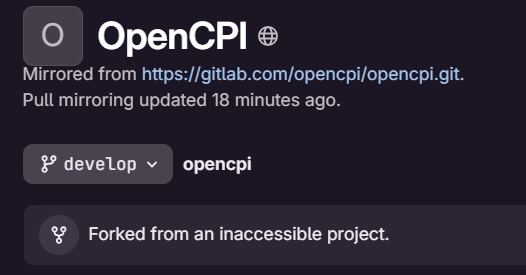
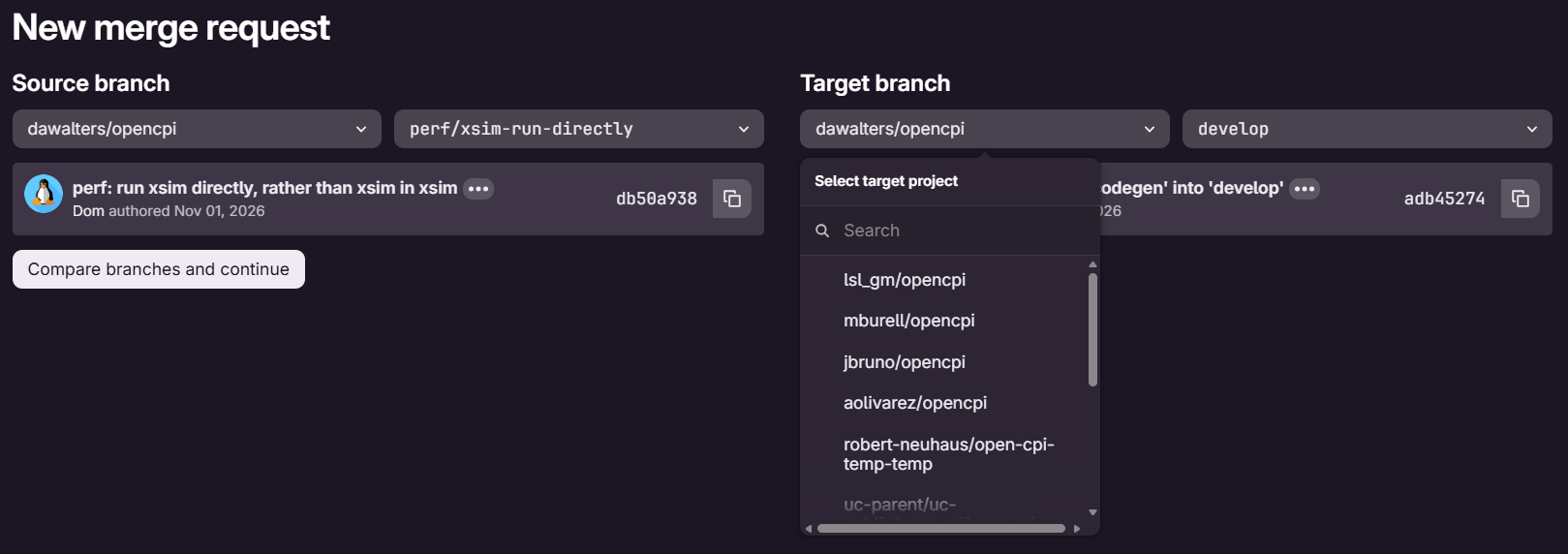
Archiving a GitLab group permanently severs the fork relationship between the group’s projects and any forks of them. Unarchiving does not restore it. If you had a fork of an OpenCPI project before the incident, your fork is fully intact as a standalone project (code, branches, tags, and pipelines unchanged), but GitLab no longer links it to the upstream project. The “Forked from” badge and fork-aware features (such as MRs defaulting to target the upstream project) no longer work on pre-incident forks.
In addition, open merge requests sourced from pre-incident forks were closed by the incident and cannot be reopened until the fork relationship is restored (see below). Resubmitting the merge request from a new fork/branch is the alternative if you choose not to restore the link.
What still works
- Your local clone. Nothing changed at the git level; pull, push, and fetch as usual.
- Your fork as a standalone repo, including its pipelines.
- Opening new merge requests from your fork.
What to do: restore the fork link
No re-forking is needed and nothing is deleted. The fork relationship can be re-established with a single API call.
- Create a personal access token with the
apiscope (User Settings > Access Tokens). - Find your fork’s numeric project ID. It is shown on your fork’s page under the project name (“Project ID: N”), or run:
curl "https://gitlab.com/api/v4/projects/<namespace>%2F<path>"
and read the"id"field. - Find the numeric ID of the upstream project your fork came from. For forks of the main repository that is opencpi/opencpi (Project ID: 12747880). If you forked from a different OpenCPI project or another community fork, use that project’s ID instead.
- Restore the link (your fork’s ID first, upstream ID last):
     curl --request POST \
       --header "PRIVATE-TOKEN: <your_token>" \
       "https://gitlab.com/api/v4/projects/<your_fork_id>/fork/12747880"
- Verify: your fork’s page shows “Forked from opencpi/opencpi” again, and new MRs from your fork default to targeting the upstream project.
- If you had merge requests closed by this incident, reopen them from the merge request page on the upstream project. They are now reopenable.
If you skip restoring the link: your fork still works standalone, but to get your changes reviewed you will need to open a new merge request from your
branch, manually selecting the OpenCPI upstream project as the target.
No action needed if
You don’t care about the fork link and had no open merge requests from your fork.
Questions
Reply in this thread. We will post an update here if anything changes.